How to Use Remini for Free and Create AI Avatars (Complete Guide)
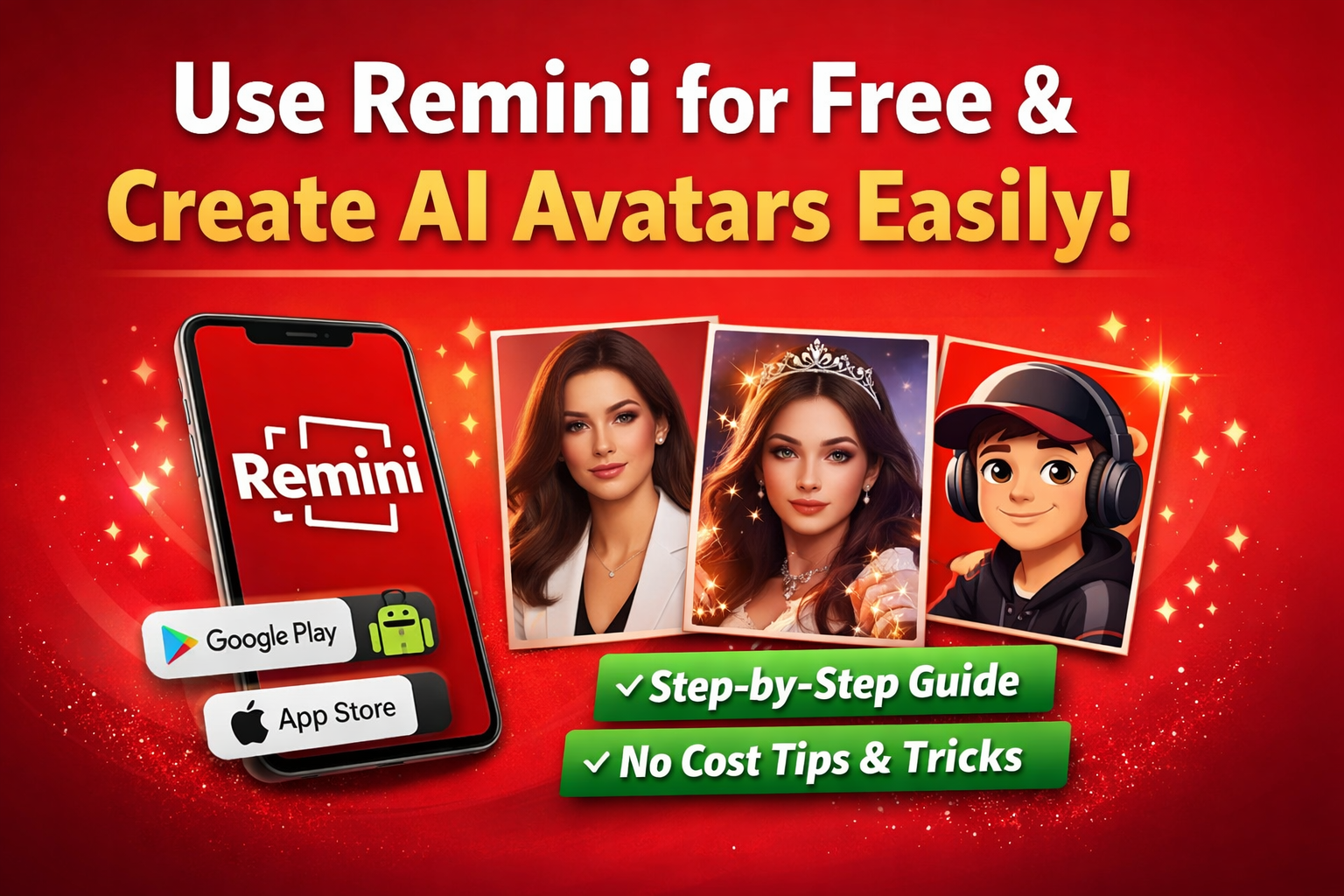
AI avatars are becoming part of online identity. Whether it’s a profile picture, gaming DP, or social media post, people love unique AI portraits.
However, many users think Remini Mod Apk is fully paid. In reality, there are ways to use it for free — but you must understand how it works.
What Is Remini?
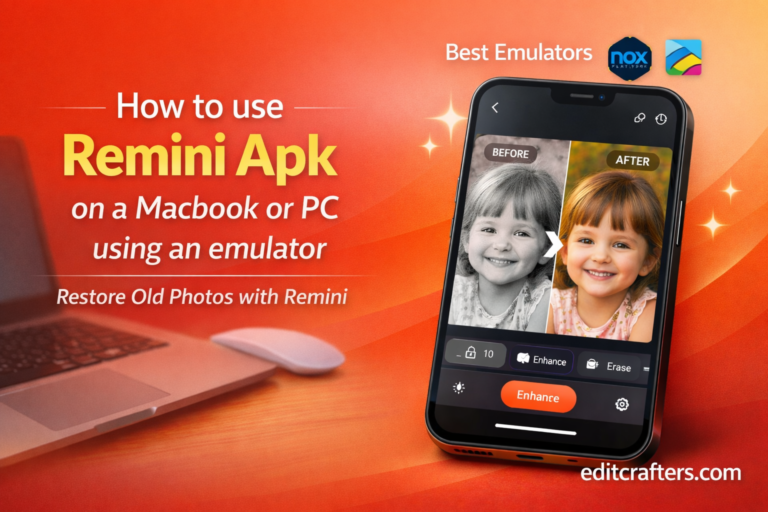
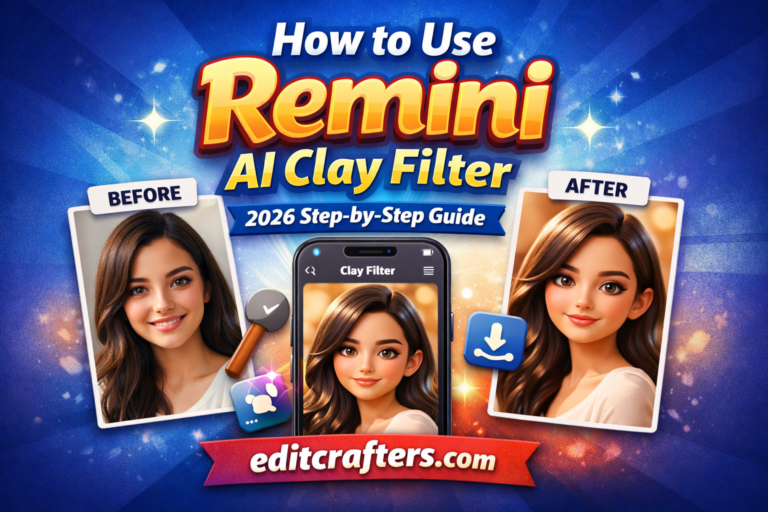
Remini is an AI-powered photo editing app. It first became popular for restoring blurry and old photos. Later, it introduced AI avatar and AIheadshot features.
Today, millions of users download it from:
Because of its realistic AI technology, it creates studio-quality portraits in minutes.
Can You Really Use Remini for Free?
Yes, but with limitations.
Remini offers:
- Daily free credits
- Free trial access
- Ad-based usage
- Limited avatar styles
In other words, you won’t get unlimited generations. However, if you only want a few avatars, the free version is enough.
Can You Really Use Remini for Free?
Step-by-Step: How to Create AI Avatars on Remini for Free
Now let’s move to the main part. Follow these steps carefully.
Step 1: Download the Official Remini App
First of all, download Remini from the official store. Avoid third-party APK websites for safety reasons.
After installation, open the app.
Step 2: Sign Up or Log In
Next, create your account using:
- Gmail
- Apple ID
- Email address
Without logging in, you cannot access AI features.
Step 3: Open the AI Avatar Feature
Once inside the app:
- Tap on AI Photos or AI Avatar
- Select a style (Professional, Fantasy, Cartoon, etc.)
- Choose “Try Free” option if available
Sometimes, the free option appears after watching an ad. So be patient.
Step 4: Upload Clear Selfies
This step is very important.
For better AI results:
- Upload 8–12 high-quality photos
- Use natural lighting
- Avoid sunglasses
- Show different angles
- Keep expressions natural
The better your photos, the better your AI avatar will look.
Step 5: Wait for Processing
After uploading:
- AI training may take 2–10 minutes
- Free users may wait slightly longer
Once completed, you can preview your avatars and download them.
Tips to Get Better AI Avatars (Free Version)
Even if you’re using free credits, you can improve results by following these smart tips.
Use Clear Background
Simple backgrounds help AI detect facial features properly.
Avoid Heavy Filters
Do not upload Snapchat or Instagram filtered images.
Use Close-Up Selfies
Face should cover most of the frame.
Try Different Styles
If one style looks unrealistic, try another. Sometimes fantasy styles look better than professional ones.
Free vs Paid Remini – What’s the Difference?
Let’s compare quickly:
| Feature | Free Version | Paid Version |
|---|---|---|
| Daily AI Avatars | Limited | Unlimited |
| Ads | Yes | No |
| Watermark | Sometimes | No |
| Premium Styles | Limited | Full Access |
| Processing Speed | Normal | Fast |
Therefore, if you’re a content creator or influencer, premium may be useful. But for normal users, free works fine.
Is Remini Safe to Use?
Remini uses AI servers to process photos. That means your images are uploaded temporarily.
So, for safety:
- Do not upload sensitive documents
- Avoid private family images
- Read privacy policy carefully
Being careful online is always important.
Common Problems and Solutions
My AI Avatar Doesn’t Look Like Me
This usually happens because:
- Low-quality selfies
- Poor lighting
- Not enough photos
- Wearing glasses or hats
Try uploading better images.
Free Option Is Not Showing
- Sometimes, free credits reset daily. So wait 24 hours and check again.
- Also, updating the app may fix the issue.
Best Use Cases for Remini AI Avatars
You can use your AI avatars for:
- Instagram profile picture
- TikTok videos
- YouTube thumbnails
- LinkedIn professional photo
- Gaming profile
Many small creators are using Remini to build a strong digital presence.
Frequently Asked Questions (FAQs)
Conclusion
If you want to use Remini for free and create AI avatars, it is absolutely possible. You just need to understand the limits and use your daily credits wisely.
Start with clear selfies. Choose smart styles. Use free trials properly.
AI avatars are not just a trend — they are becoming part of personal branding. So try it today and see how your AI version looks.