
Remini AI Headshots: Create Professional Portraits Instantly on Your Phone
AI tools are causing a rapid transformation in the digital world by making photo editing easier and potent than before. These days, having a clear and professional photo is crucial, no matter your status as a student, freelancer, business owner, or job seeker. You may make a good first impression on professional and social media platforms by using a high-quality photo.
The Remini AI Headshots function can help with that. It quickly transforms your regular photo into a clean, expert headshot with enhanced features and a polished appearance. However, Remini also provides entertaining and popular features like the Remini AI Pregnancy Filter, which uses the latest AI technology to allow users to experiment with genuine and imaginative changes.
The best part is that it only takes a few minutes to make amazing AI photographs right from your phone. We’ll go over how Remini works, how to make your own AI headshots for free, and the kinds of outcomes you might expect in this guide.
Remini AI Headshots Overview
A well-liked and trendy feature called Remini AI Headshots allows you to take a simple selfie and turn it into a high-quality, studio-quality image without going to a photographer. The app maintains your natural appearance while improving your image. It enhances the lighting, skin textures, shadows, and background to give your picture a polished, lifelike appearance.
The facial features, background, and brightness will all be automatically modified by our AI headshot generator once you upload a few crisp photos, generating a polished and realistic-looking image. Following that, you might use your AI headshots for social networking accounts, job applications, LinkedIn, and your resume.
It functions quickly and offers amazing effects in a few minutes.To guarantee security and optimal performance, only use the Official Remini app Download from reliable App stores to access premium
ScreenShot
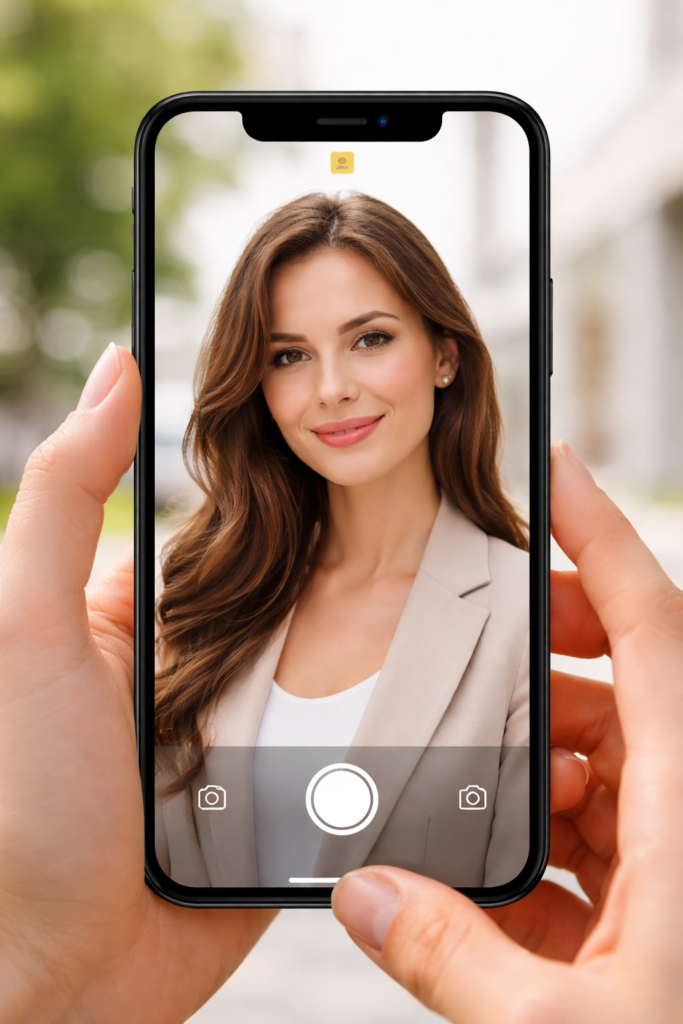
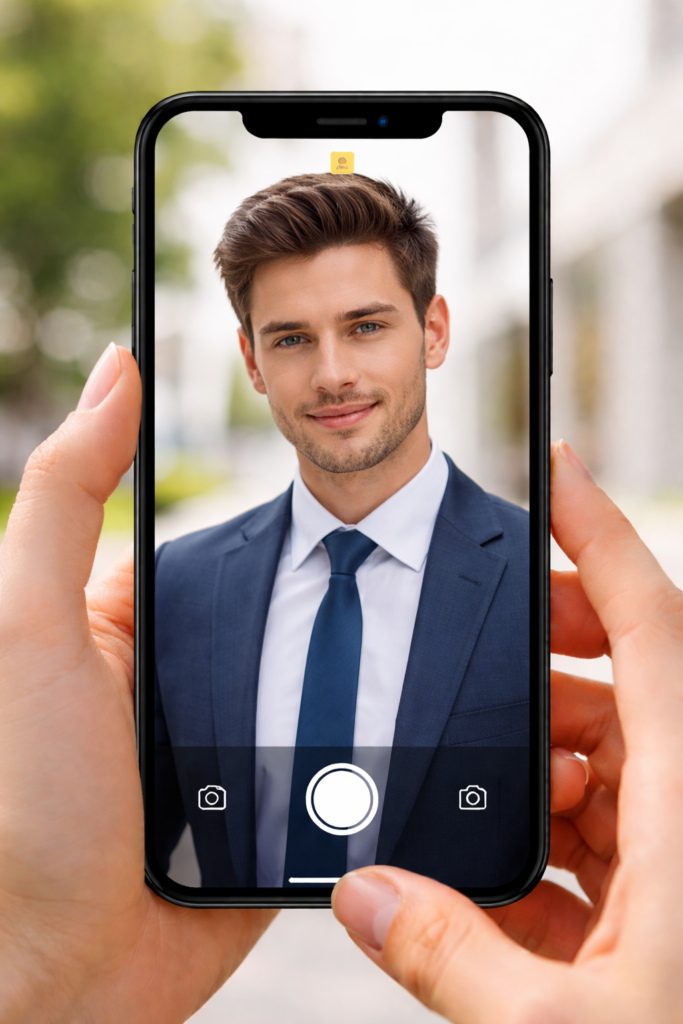
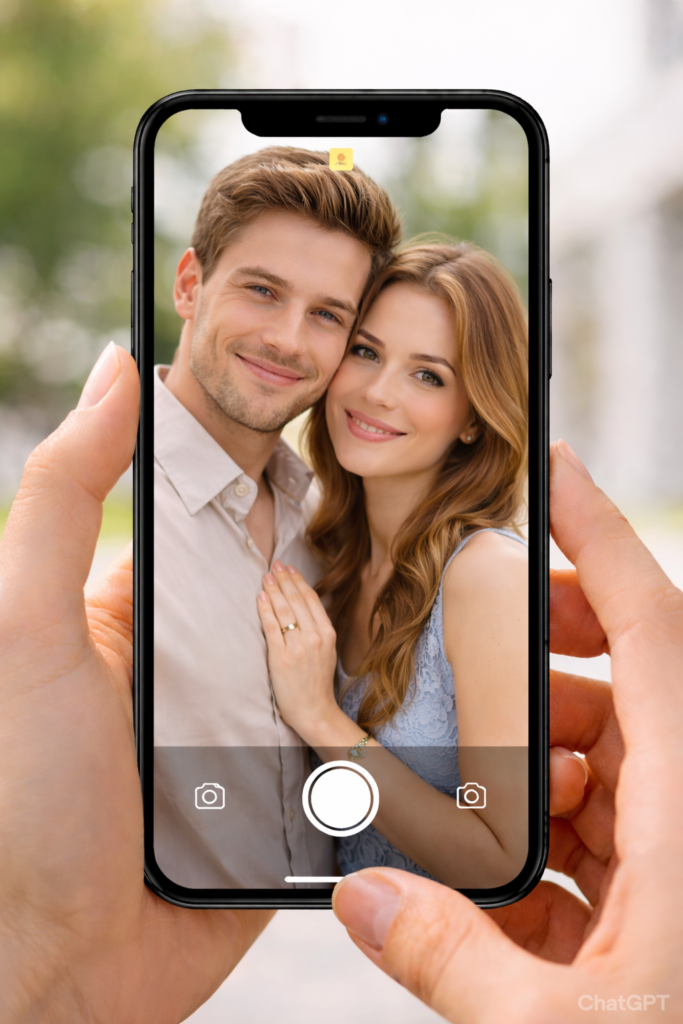

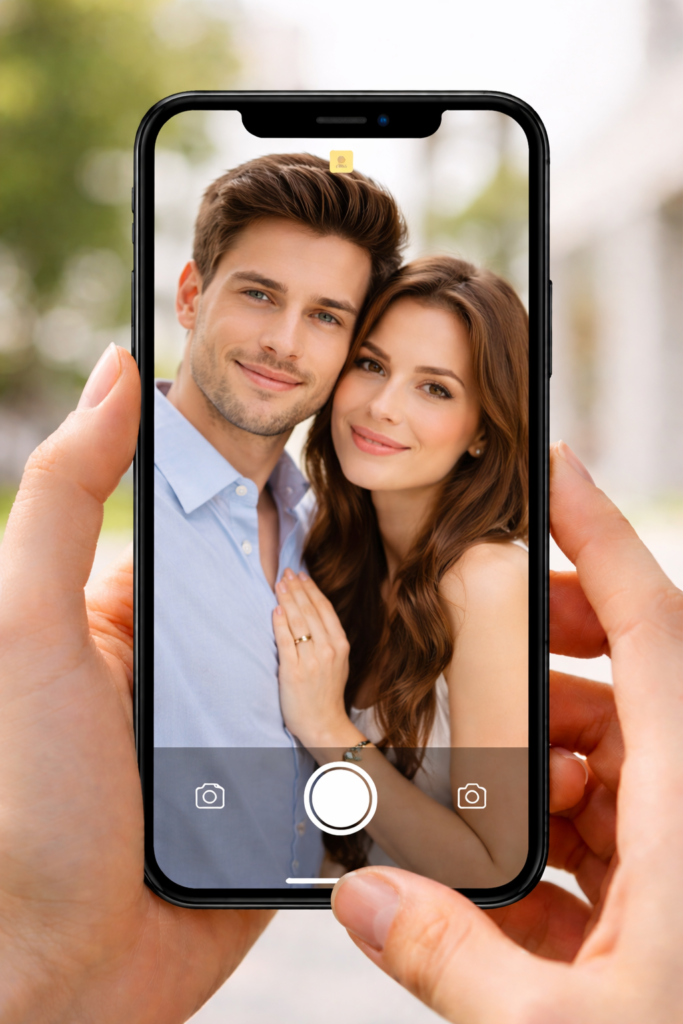
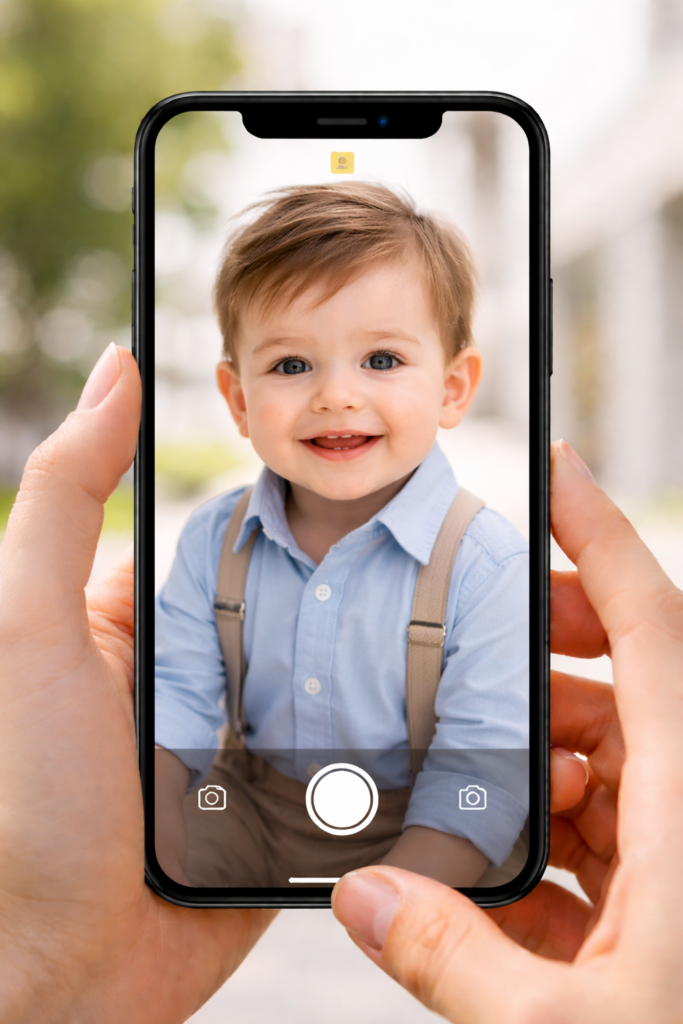
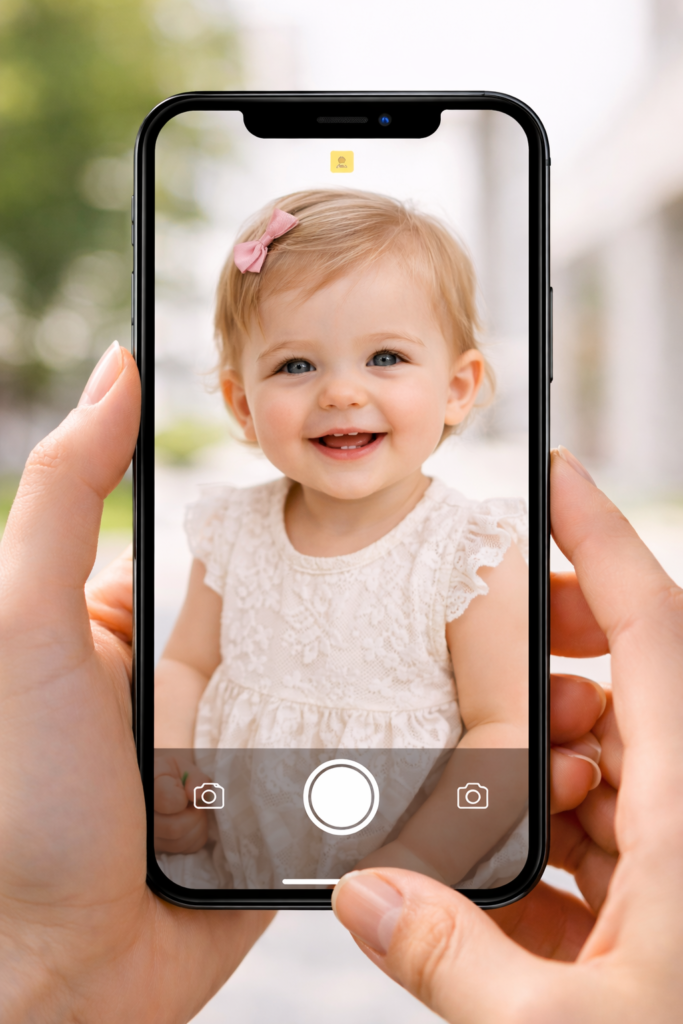
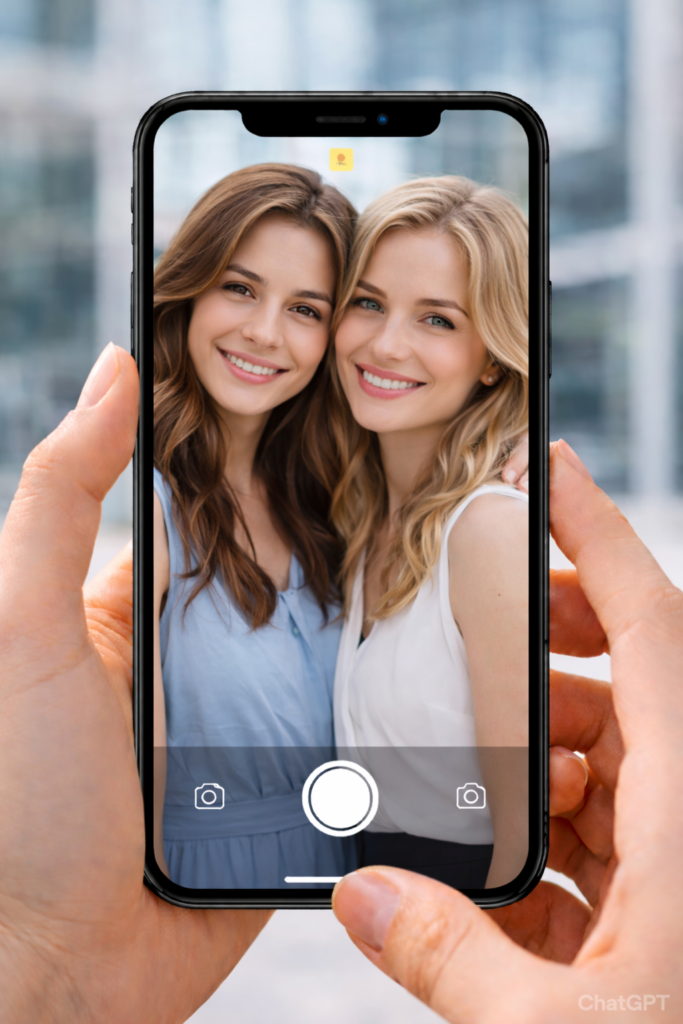
Features of the Remini Headshot Generator
This Remini AI Headshots tool has the following amazing features:
Different Styles of Portraits
To fulfill your needs, Remini provides a variety of headshot styles.
You can go for innovative, informal, or professional styles, depending on your interests or line of work. It assists in helping you select a style that complements your personality and profession.
Face Enhancement
Remini sharpens and clarifies your photo by enhancing minor face details.
It smoothes the skin, reduces blur, and highlights features while keeping your natural look. Because the AI correctly maintains the texture and depth, the result doesn’t look artificial.
Auto Background Correction
Remini automatically corrects your photos’ lighting and background. With little work, it brightens dark areas and balances colors to give your photo a clean, studio-like appearance.
Rapid Image Production
The wait time for results is short. Your headshot will be ready in a matter of seconds if you only select your favorite style. It’s ideal if you need a high-quality shot fast and don’t want to visit a studio.
Pros and Cons of AI Headshot Creation using Remini
Pros
- Simple to Use: No previous experience of photo editing is required. It is simple for everyone to use.
- Cost-effective: Reduces expenses by doing away with the necessity for pricey studio photo sessions.
- Support for Multiple Devices: Suitable with PCs, tablets, and phones.Just your phone and an internet connection are needed; no additional equipment is needed.
- Edit Anywhere: You can use it at any time and alter the backdrops to suit your tastes.
Cons
- Internet Required: You need an active internet connection because the AI processes images online.
- Limited Customization: There are fewer manual editing options since the AI handles most of the adjustments automatically.
- Can Look Over-Smooth: Sometimes the final image may look too smooth or slightly unnatural compared to your real face.
- Not Ideal for Side Angles: The AI works best with clear, front-facing selfies. Side-view photos may not give accurate results.
How to Use Remini AI Headshots: A Quick Guide?
Conclusion
In today’s digital world, having a professional and high-quality photo is more important than ever. Remini AI Headshots makes it simple for anyone to create studio-style portraits directly from their phone. With advanced AI technology, it enhances lighting, sharpens facial details, and improves backgrounds while keeping your natural look intact.
Whether you need a professional photo for LinkedIn, your CV, job applications, or social media, Remini provides a fast and convenient solution. While it has some limitations like internet dependency and limited manual controls, its speed, ease of use, and impressive results make it a great choice for creating AI headshots instantly.